
1. In the Reader, click Thumbnail View from the menu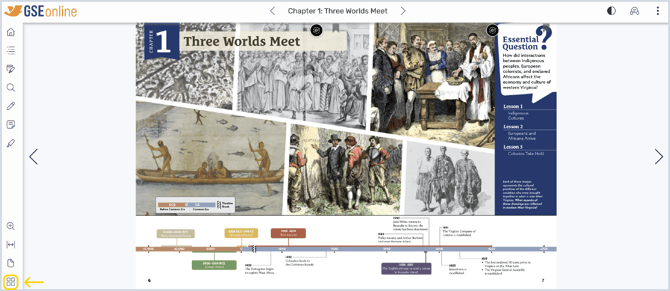
2. This feature let's you navigate the book using page thumbnails
Tip: You can also jump to specific pages or navigate to previously viewed pages
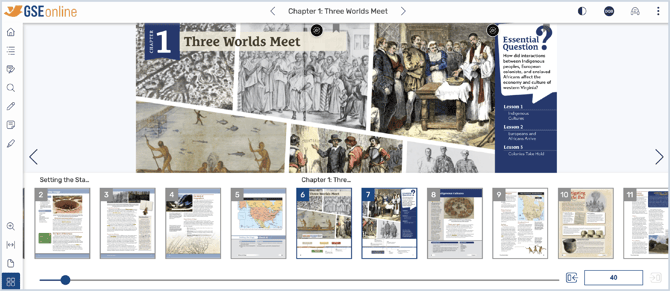
3. Drag the slider to quickly scroll through page thumbnails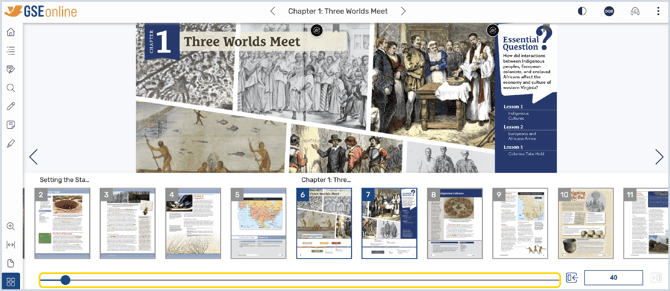
4. Click a page thumbnail to navigate to that page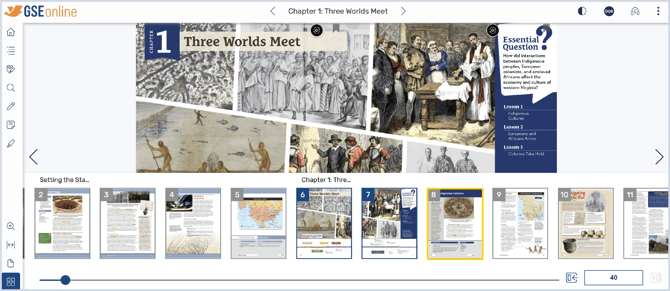
5. Type a page number in the bottom right to navigate to a specific page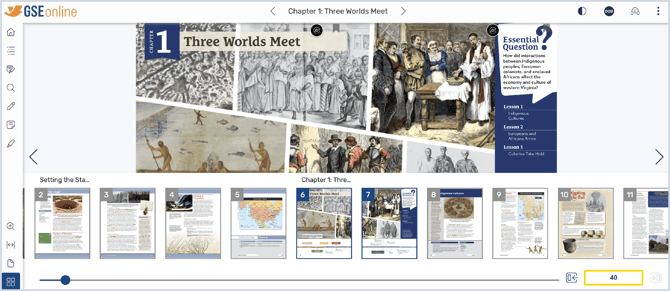
6. Click Go Forward or Go Back to navigate to previously viewed pages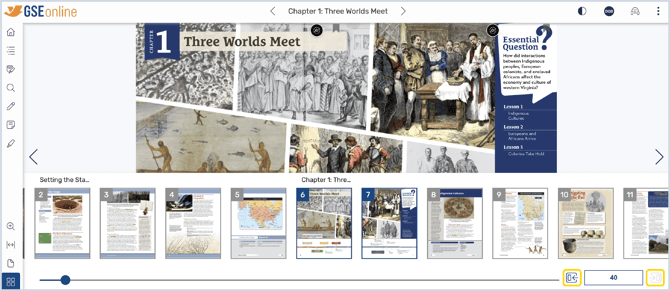
Having trouble?
Try enabling pop-ups and clearing cache and cookies