![GSE-Logo-Horizontal-1.png]](https://help.gibbssmitheducation.com/hs-fs/hubfs/GSE-Logo-Horizontal-1.png?height=40&name=GSE-Logo-Horizontal-1.png)
1. In the Reader, click "Table of Contents" from the menu

2. You can click the arrow to the right of the Table of Contents to close it
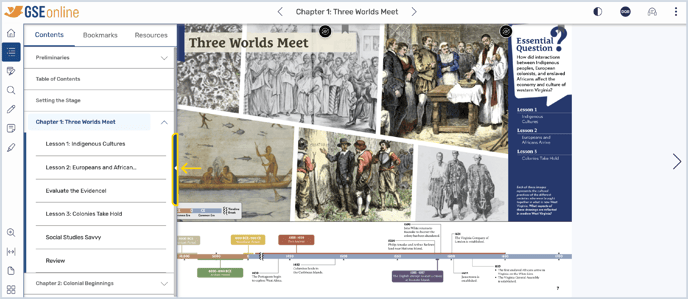
3. In Contents, you can see a list of the chapters, lessons, and sections within the book
• Click the down-arrow next to a chapter to see lessons and sections within that chapter
• Click on a chapter, lesson, or section to navigate to it
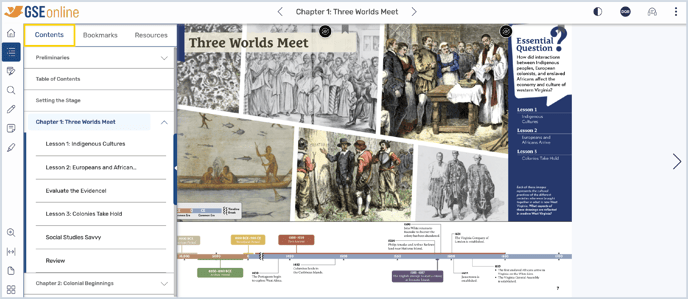
4. In Bookmarks, you can see all pages which you have bookmarked

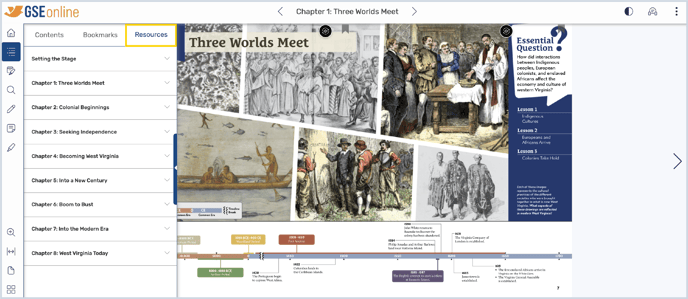
5. In Resources, you can see pages which contain resources such as chapter assessments and activities
• Click the down-arrow next to a chapter to see resources within that chapter
• Click on a resource to navigate to that page
Having trouble? Try enabling pop-ups and clearing cache and cookies.