
1. In the Bookshelf or Reader, click the Profile icon at the top of the page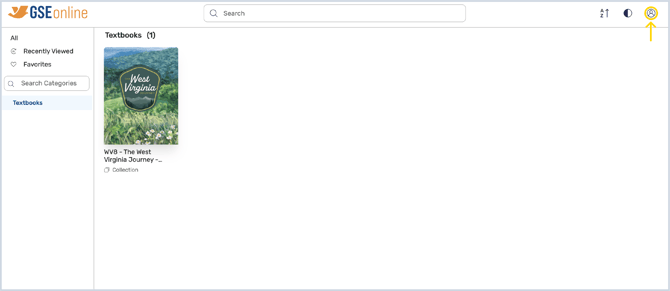
2. Click Sign Out to sign out of GSEonline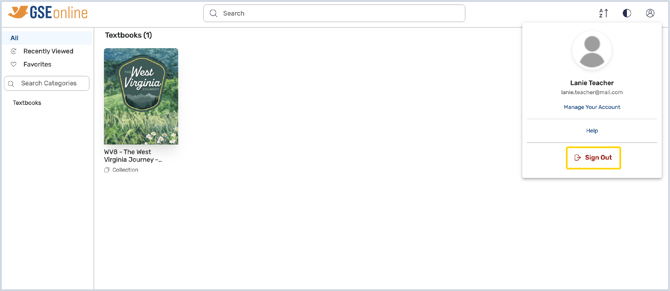
Having trouble?
Try enabling pop-ups and clearing cache and cookies.
Having trouble?
Try enabling pop-ups and clearing cache and cookies.