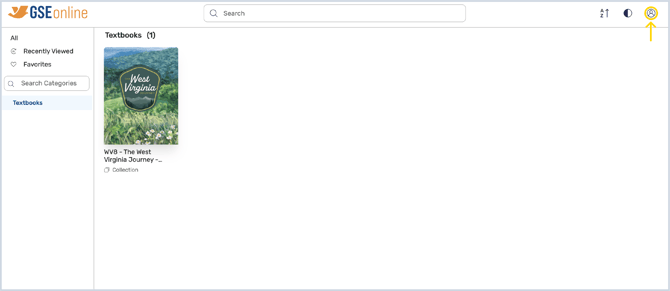
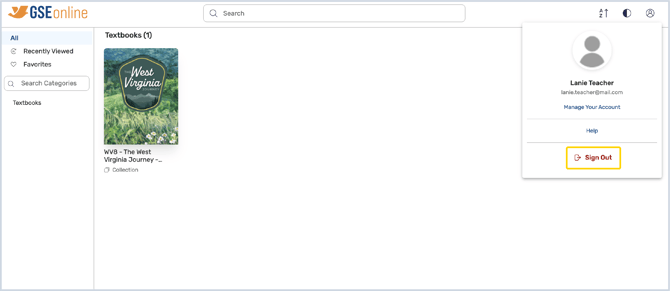
Signing Out How to sign out of GSEonline from the Bookshelf 1. In the Bookshelf, click Profile at the top of the page 2. Click Sign Out to sign out of GSEonline Having trouble? Try enabling pop-ups and clearing cache and cookies