
1. In the Bookshelf, you can use the search tool to search for books and content within your text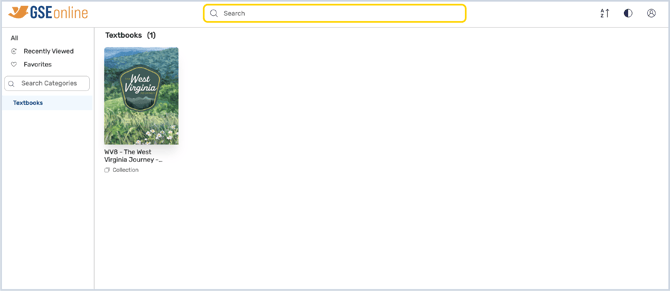
2. Type a keyword into the search bar and click the search icon or hit Enter to search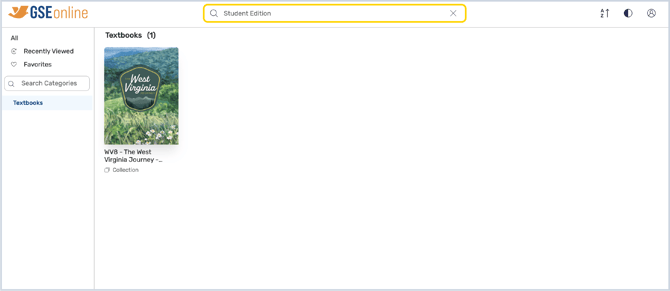
3. Book results will be shown on the left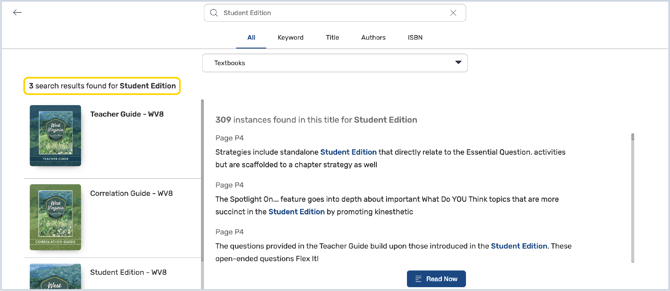
4. Click on a book from the list to view search results from within the book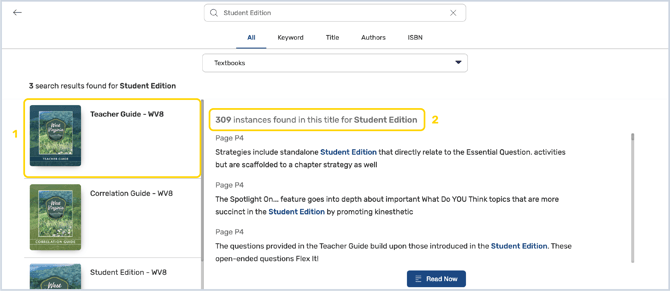
5. Click on a result from the list to open the book or click Read Now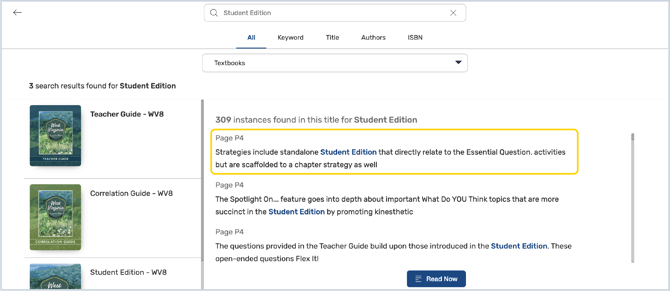
6. To narrow down search results, open the category list and select a category to view results within that category 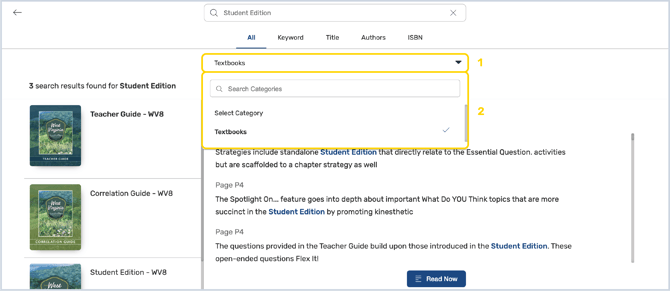
7. To view results based on specific criteria, select an option under the search bar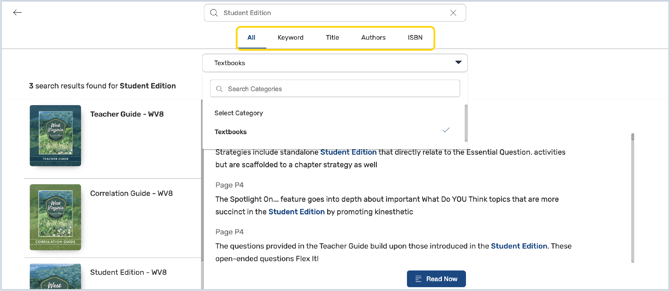
8. You can view your recent searches or conduct a new search by clicking the search bar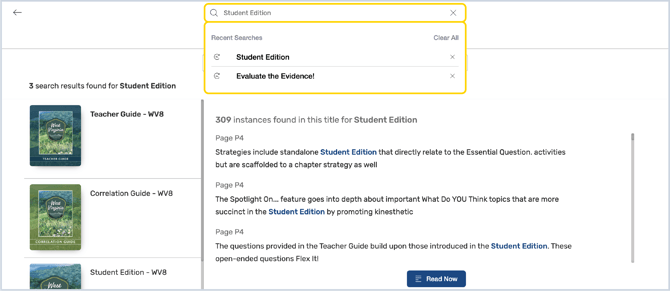
Having trouble?
Try enabling pop-ups and clearing cache and cookies