
1. Login to a School Level account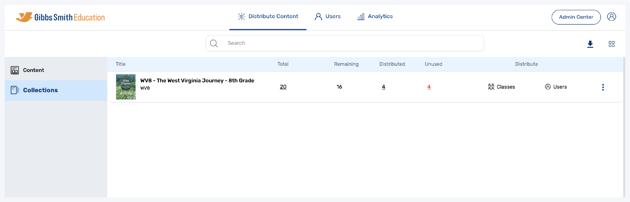
2. Go to the Users tab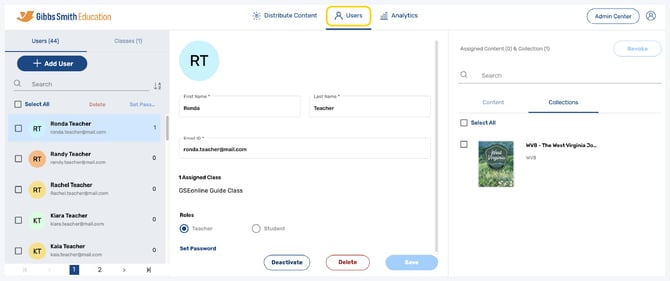
3. Click Classes from the left panel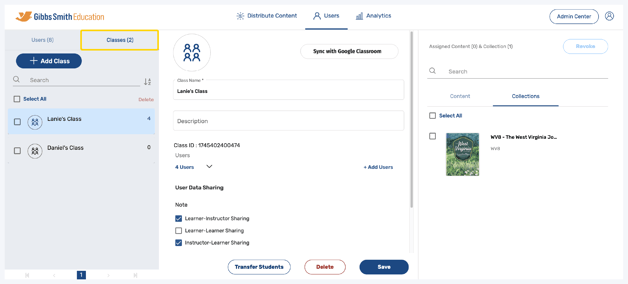
4. Click Sync with Google Classroom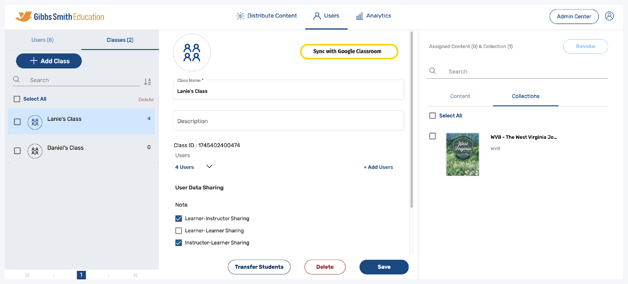
5. Login using the Google ID from which the app was configured in the Google Cloud Console: console.cloud.google.com/
6. Select Load Full Data then click Apply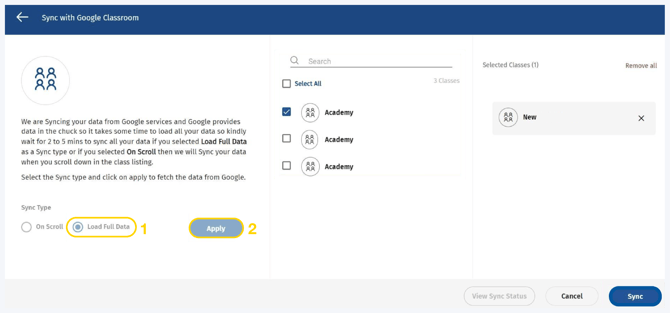
7. Select the classes which you want to sync from the list or by using the search feature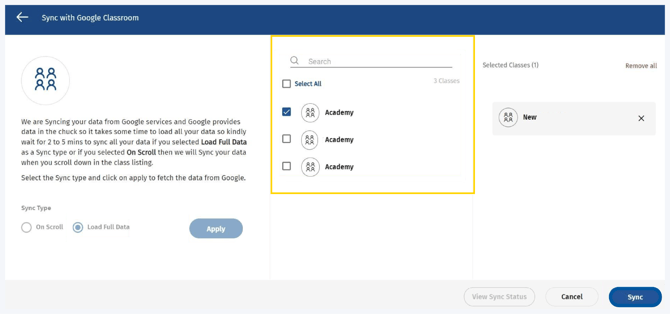
8. Click Sync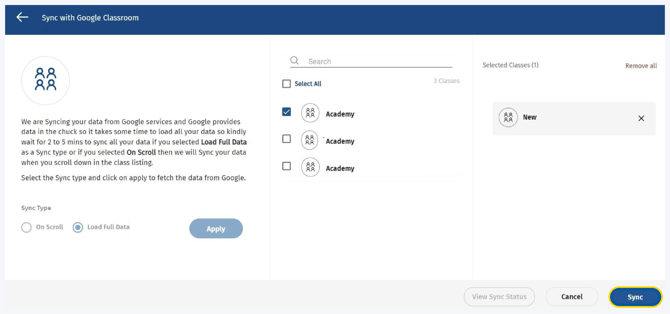
9. Once the sync is complete the users and classes will appear under the Users and Classes tabs respectively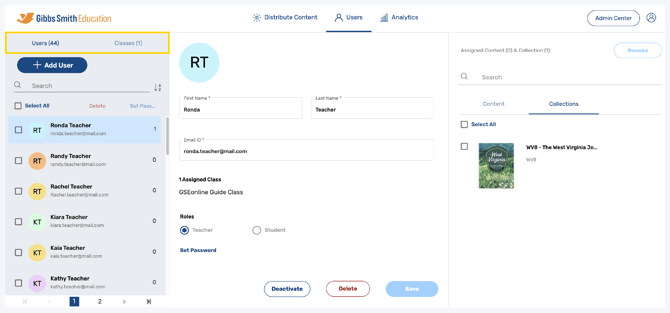
Having trouble?
Try enabling pop-ups and clearing cache and cookies