
1. Login to a District Level account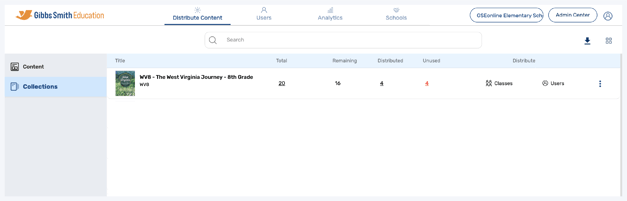
2. Click Schools at the top of the page
Note: If you do not see a Schools option, you may be logged into a School account
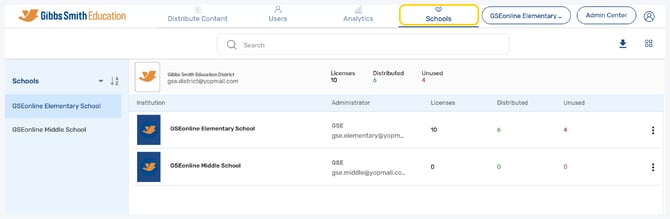
3. Click Sync All Data
4. Click Pause Sync to stop syncing data or Start Sync to start syncing data
• Pause Sync at the end of the school year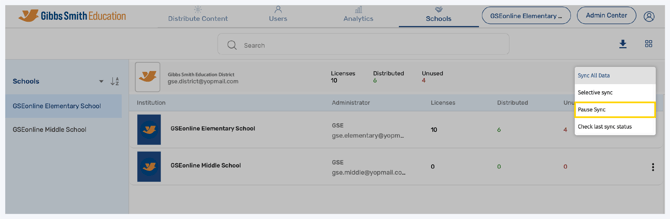
• Start Sync at the beginning of the school year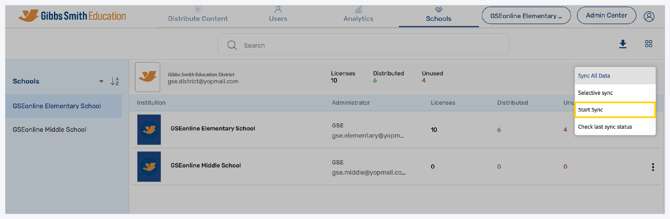
Having trouble?
Try enabling pop-ups and clearing cache and cookies