
Tip: A Partner Reference ID is a school's unique identifier. These IDs can be used when creating multiple classes and users using the Bulk Upload tool in order to assign them to different schools within the district with a singular file upload.
1. Login to a District Level account on the Administrator Portal
2. Click Schools at the top of the page
Note: If you do not see a Schools option, you may be logged into a School Level account.
3. Locate the school you would like to get the Partner Reference ID for from the list or by using the search feature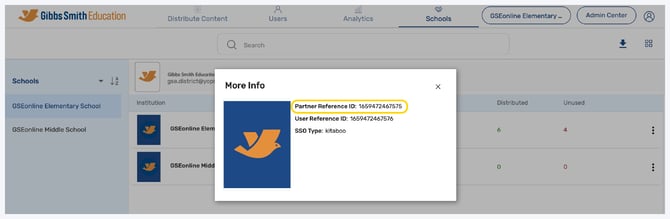
4. Click the More Options icon in the far right of the school's row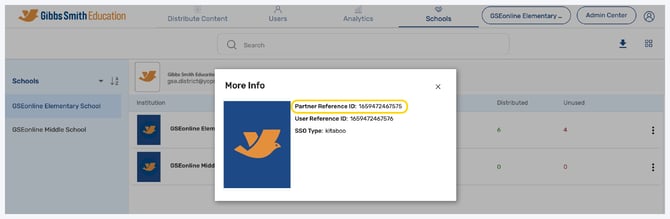
5. Click Info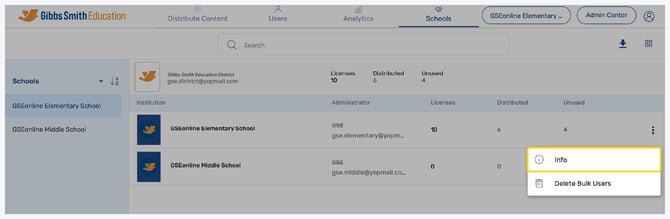
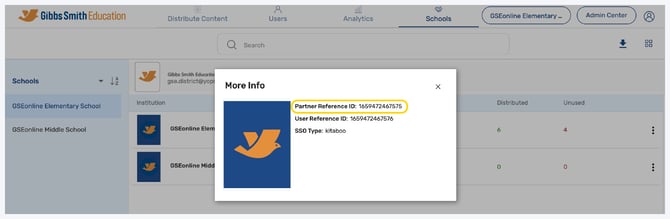
6. The Partner Reference ID will be the first item listed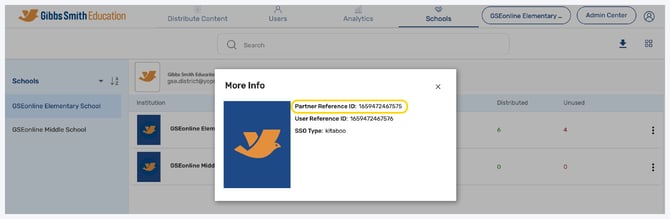
Having trouble?
Try enabling pop-ups and clearing cache and cookies.