
1. Click Admin Center at the top of the page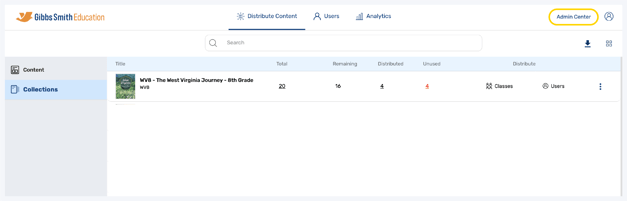
2. Click the admin you would like to edit from the list or by using the search feature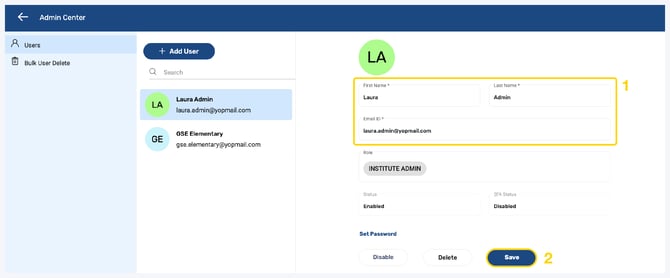
3. You can edit the Admin's First/Last Name or Email ID by updating the text fields then clicking Save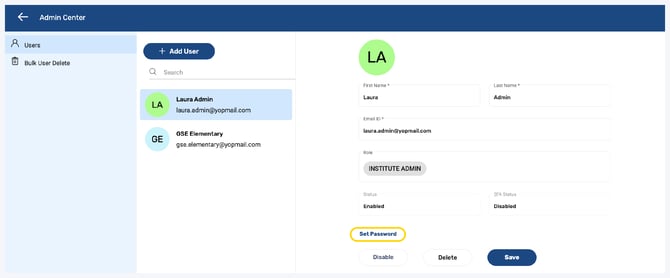
4. To set or change the password for the account, click Set Password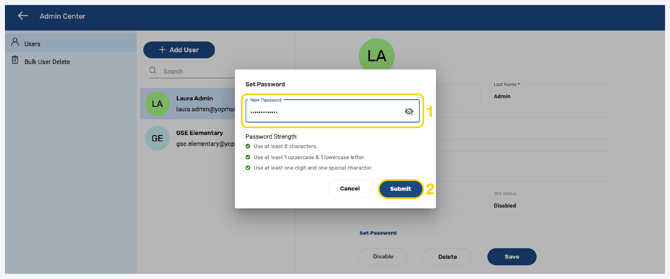
5. Follow the guidelines to create a password and click Submit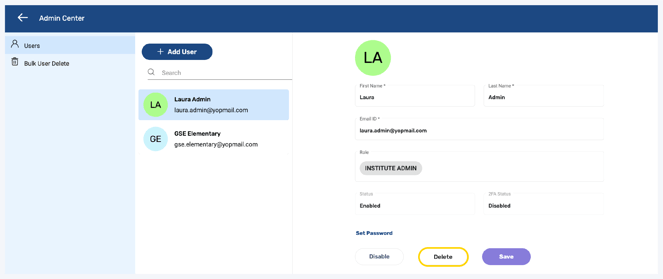
6. The password will be set or changed
Having trouble?
Try enabling pop-ups and clearing cache and cookies