
1. Click Admin Center at the top of the page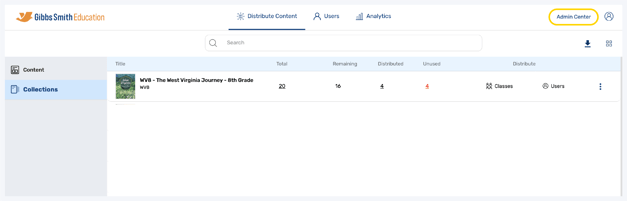
2. Click the admin you would like to disable from the list or by using the search feature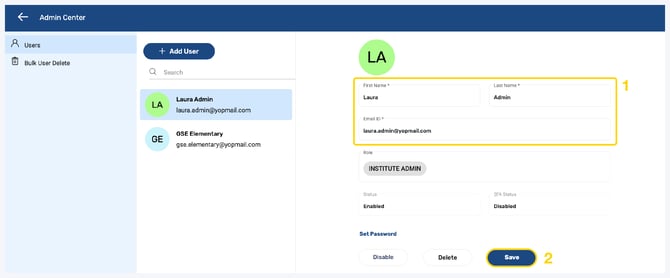
3. Click Disable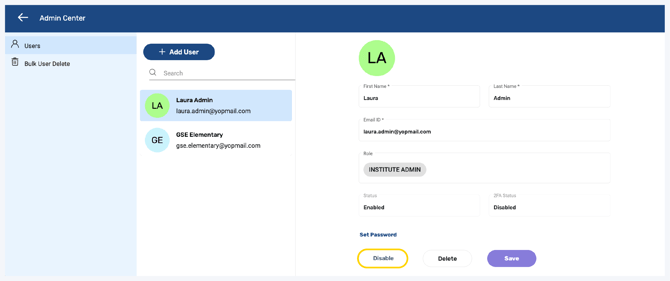
4. The admin will be disabled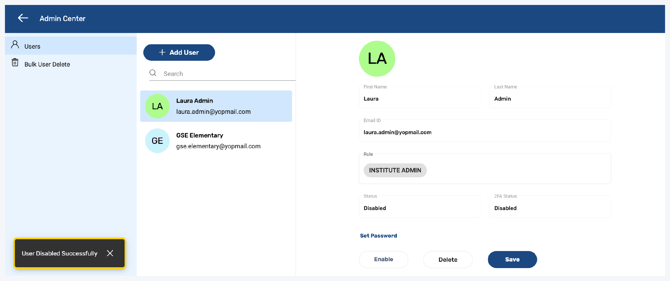
5. To enable the account, click Enable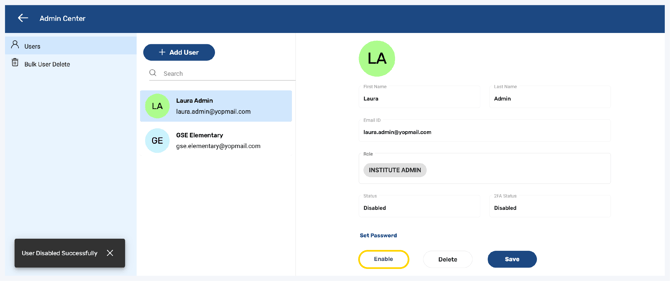
6. The admin will be enabled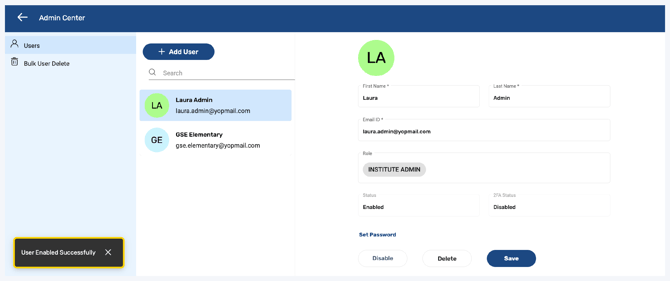
Having trouble?
Try enabling pop-ups and clearing cache and cookies