
1. Login to a District Level account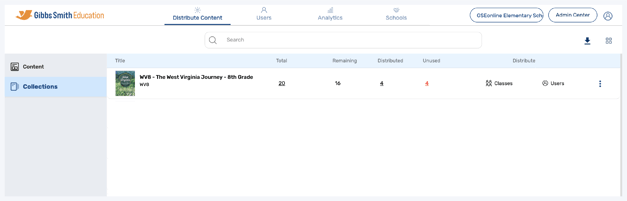
2. Click Schools at the top of the page
Note: If you do not see a Schools option, you may be logged into a School account
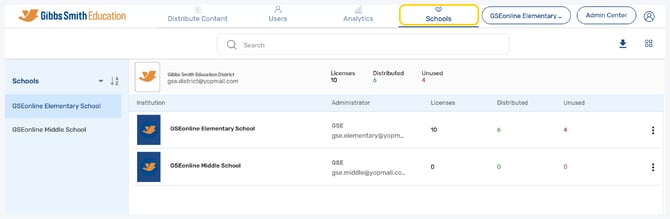
3. Click Sync All Data
4. Click Check last sync status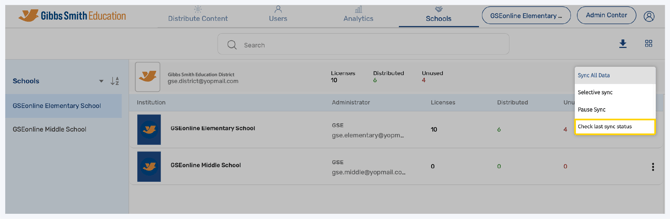
5. Details about the Last Sync will be displayed
• Status: This will be marked either Success or Failed
• Last Sync Date: The date when the last sync was attempted
• Users: # of users synced
• Classes: # of classes synced
• Orgs: # of schools synced
• Enrollments: # of users placed into classes
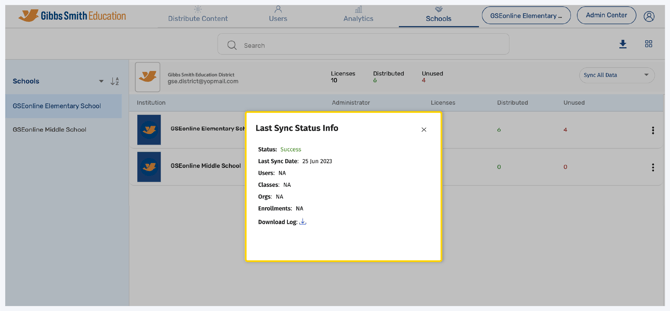
6. To download the information, click the icon next to Download Log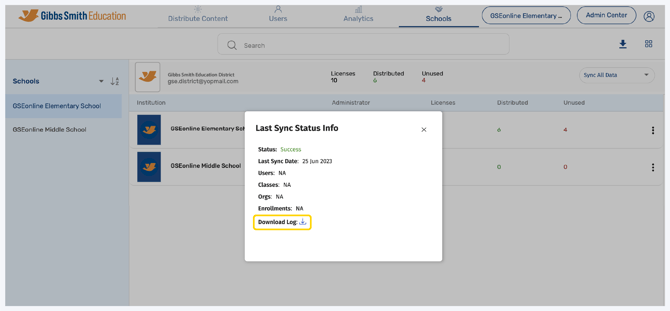
Having trouble?
Try enabling pop-ups and clearing cache and cookies