
Note: This guide is for school or district administrators who would like to change their email for the Administrator Portal. This guide will not work to update a teacher or student email for GSEonline. To update a teacher or student email, follow this guide: Changing User's Email
1. Click the Profile icon at the top of the page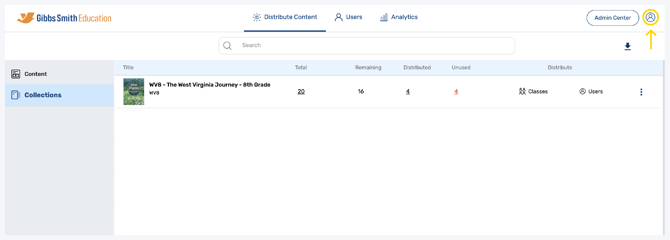
2. Click Manage Account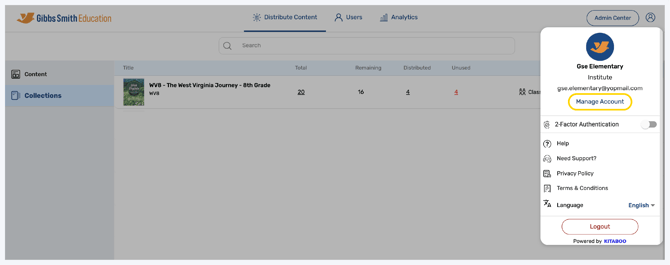
3. Click My Profile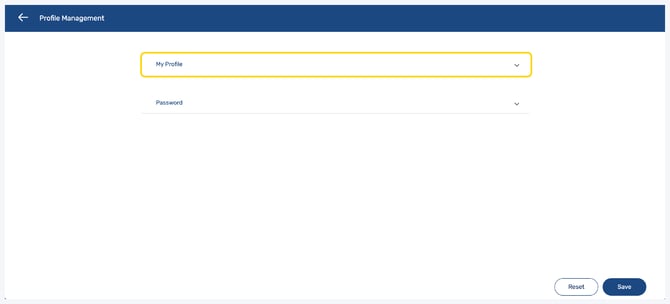
4. Edit your email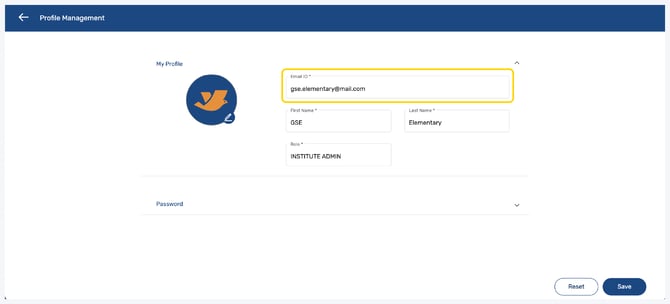
5. Click Save 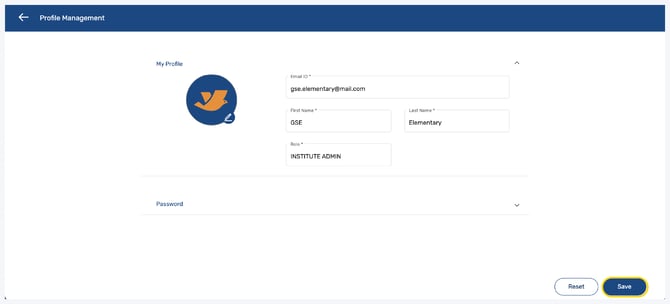
Having trouble?
Try enabling pop-ups and clearing cache and cookies