
1. Open a book in the Reader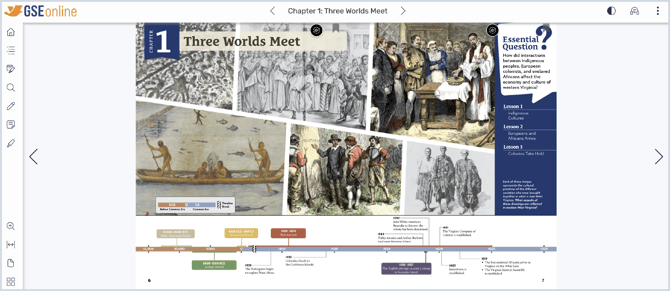
2. Click Zoom from the reader menu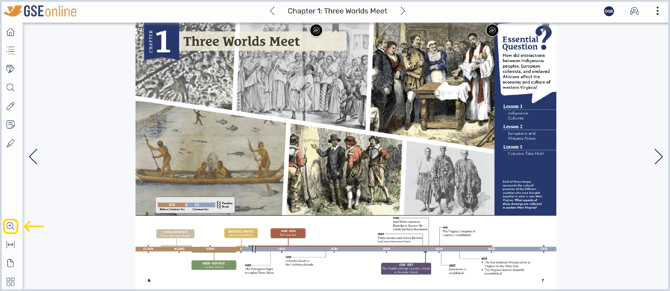
3. Use the slider to zoom in or out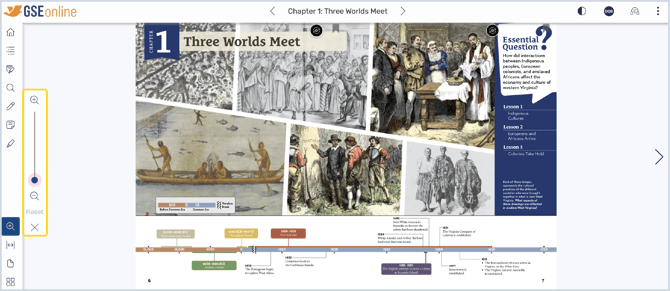
4. Click and drag to view to a different place on the page while zooming in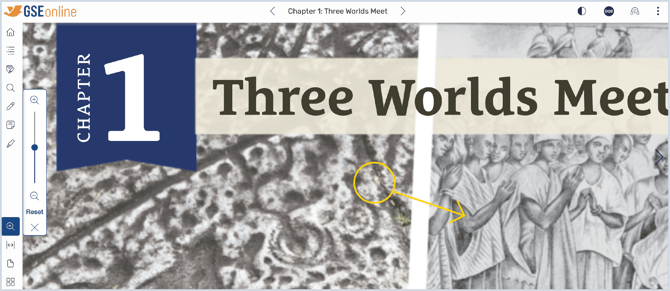
5. Click Reset to return to the standard zoom setting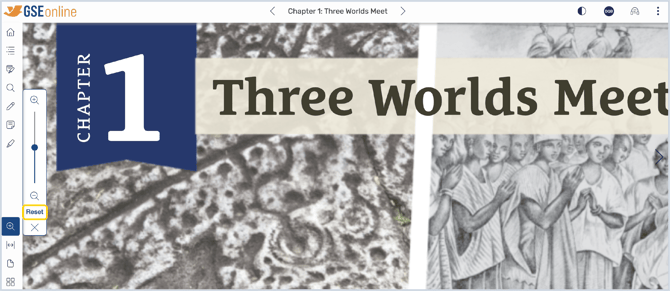
Having trouble?
Try enabling pop-ups and clearing cache and cookies