
1. Open a book in the Reader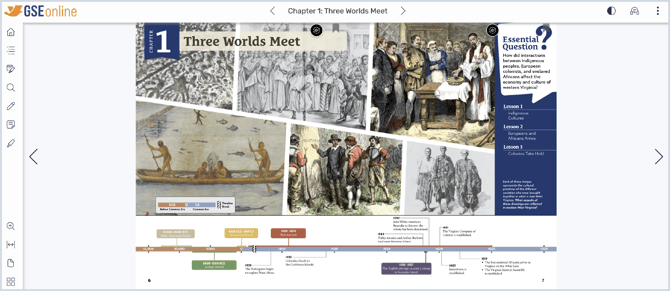
2. As you read, you may come across videos in the Student Edition or Teacher Guide textbooks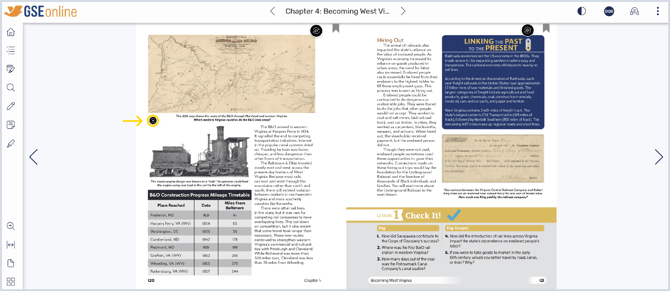
3. Click the Video icon on the page to open the Video Player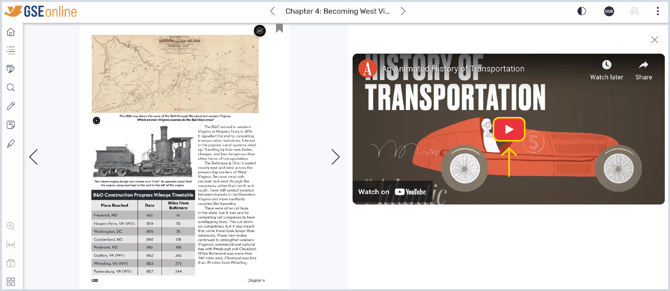
4. Click the Play icon to start the video
5. Use the controls at the bottom of the video player to control the video playback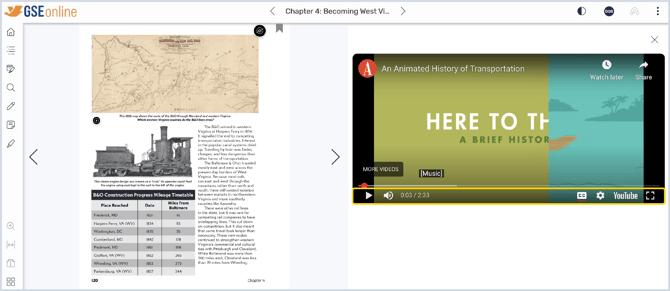
6. Click the X to close the video player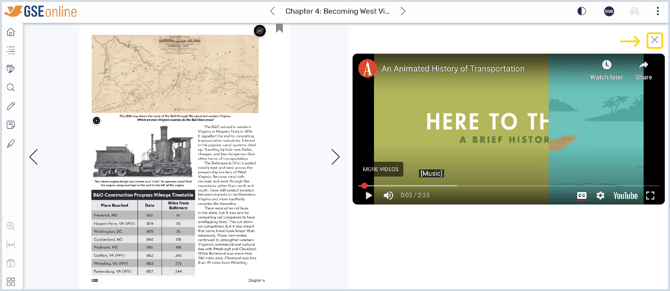
Having trouble?
Try enabling pop-ups and clearing cache and cookies