
Note: Fillable worksheets are available only in select products.
1. Using a student account, open the Student Activities textbook in the Reader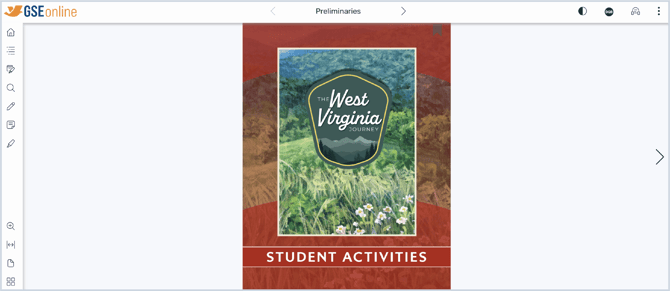
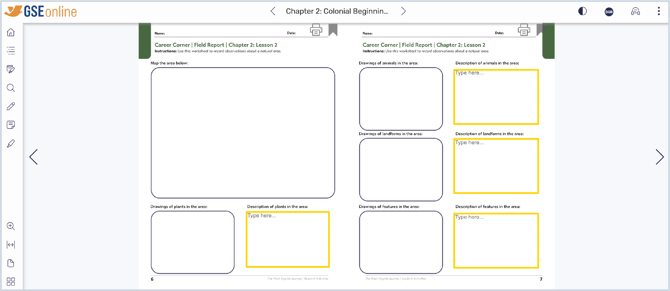
3. Look for Type here... or ... which indicate where to write responses
Note: Each worksheet in the Student Activities is unique
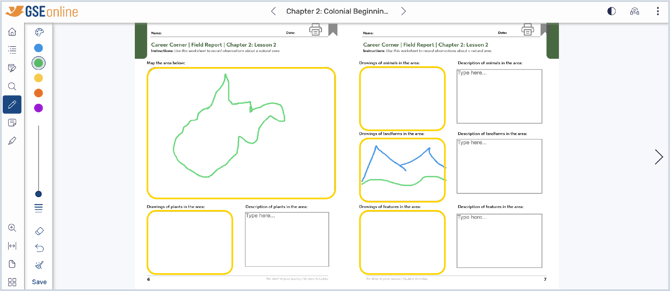
4. Some worksheets prompt students to draw. This can be done using the Pen Tool from the toolbar
Guide: Pen Tool
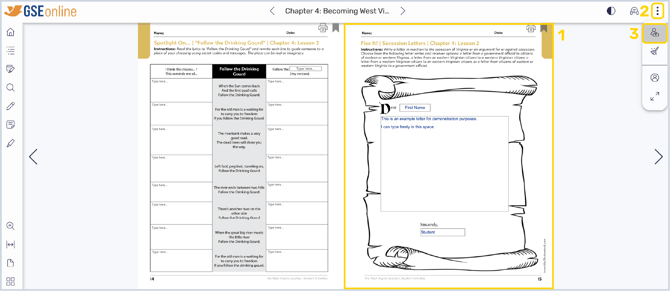
5. When the worksheet is complete, responses can be submitted to the teacher by opening the menu, then clicking Submit
Tip: Responses save automatically and can be accessed at any time
6. Teachers can view student submissions using the Teacher Review tool