
1. In the Reader, click Search from the menu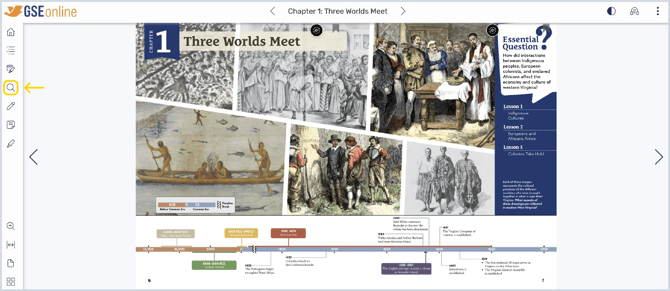
2. Type a keyword or phrase into the search bar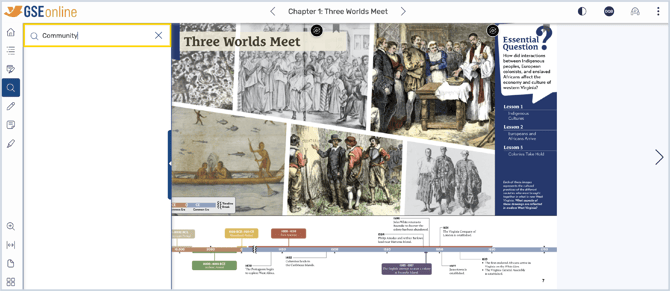
3. Hit Enter or Return on your keyboard to display search results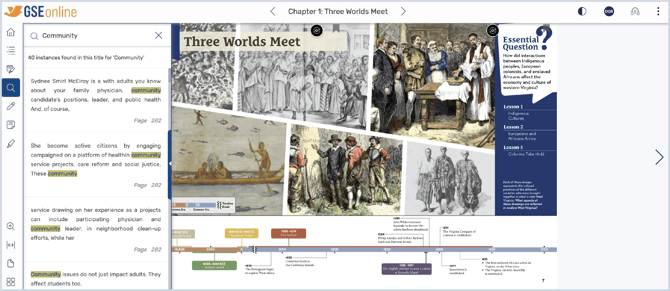
4. Click a search result from the list to go to that page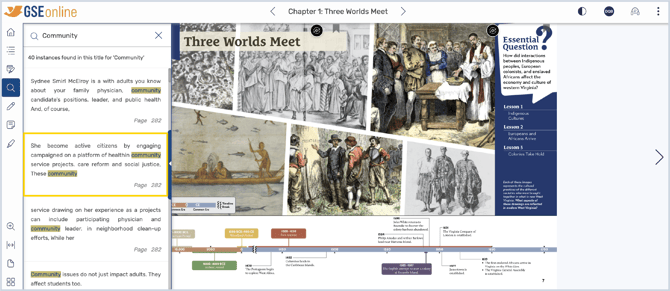
Having trouble?
Try enabling pop-ups and clearing cache and cookies