
1. As you read, you may see Resource buttons
2. To easily find these resources within a book, click Table of Contents
3. Click Resources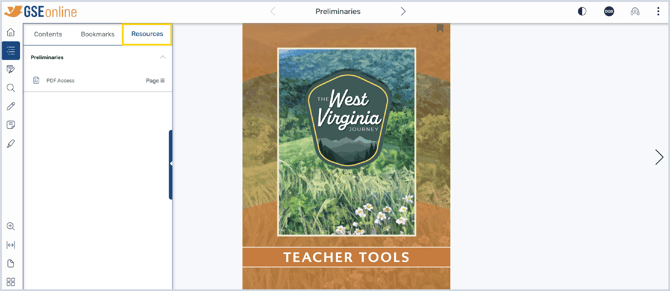
4. Click a title to show resources within that section then click on the resource to navigate to that page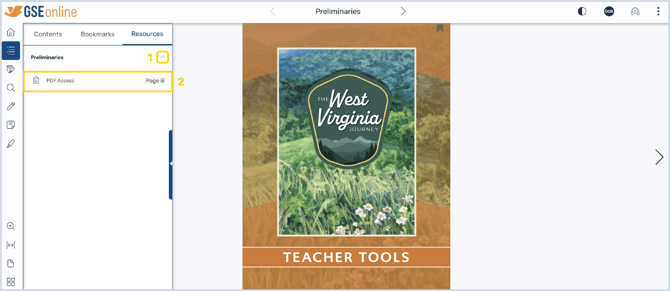
5. Click the Resource button to open the PDF in your browser's PDF viewer
Having trouble?
Try enabling pop-ups and clearing cache and cookies