
1. To adjust fit page to the width of the reader, click Fit to Width View from the reader menu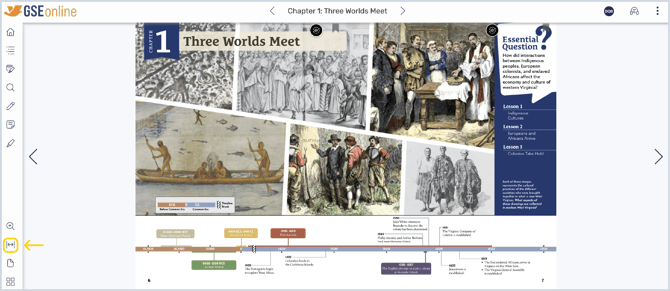
2. This will make the pages fill the width of the Reader
Warning: This view could cause content to be cut off from the bottom

3. Click Fit to Height View to return to standard view
Having trouble?
Try enabling pop-ups and clearing cache and cookies