
1. Open a book in the Reader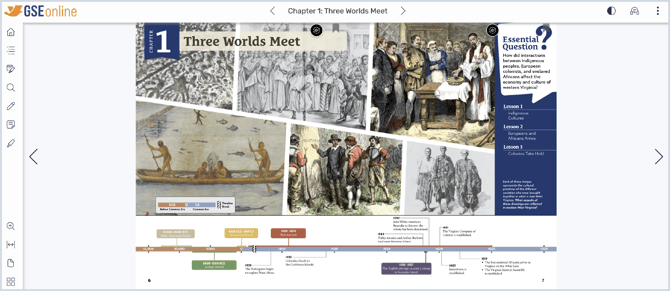
2. As you read, you may see Interactive Content buttons
These buttons act as links to third-party websites which offer additional educational materials related to the book content.
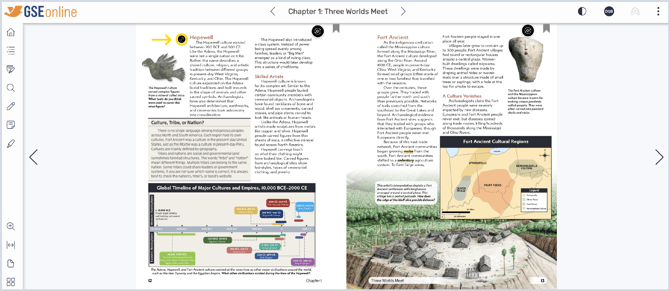
3. Interactive Content buttons can look different depending on the collection
Examples of interactive content buttons:
4. Click an Interactive Content button to open the link
5. A new window will open with the link destination
Example of an Interactive Content destination: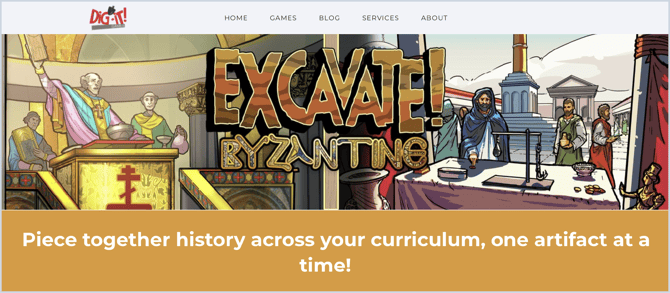
Having trouble?
Try enabling pop-ups and clearing cache and cookies