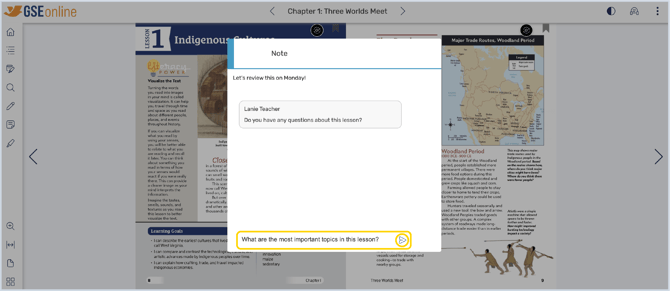
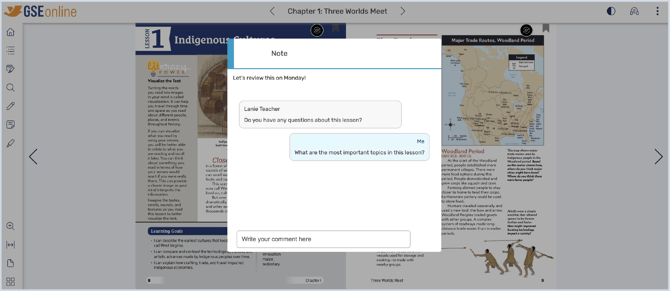
Note: Comments can only be created in the Student Edition textbook when logged into a Teacher Account.
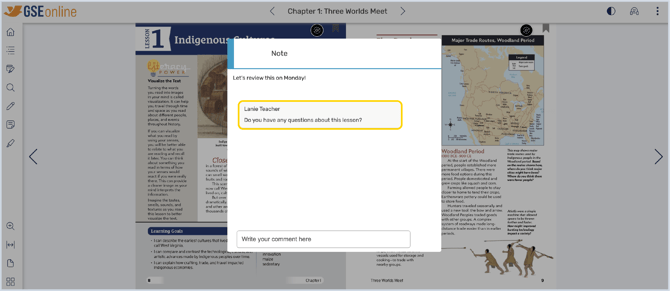
1. Teachers can leave comments on notes shared by students or other teachers
Tip: Comments can be used for back and forth communications between teachers or students and teachers.

2. Once you have accepted a shared note, you can add a comment which will be shared with the other user
Tip: Shared notes will always appear as light blue
Guide: Sharing Notes
3. Type your comment and click the Send icon