
1. In the Bookshelf, books are stored within collections
2. Open a collection to view books within the collection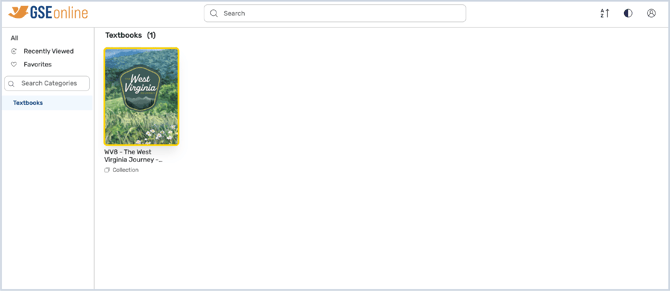
3. Scroll to view all books in the collection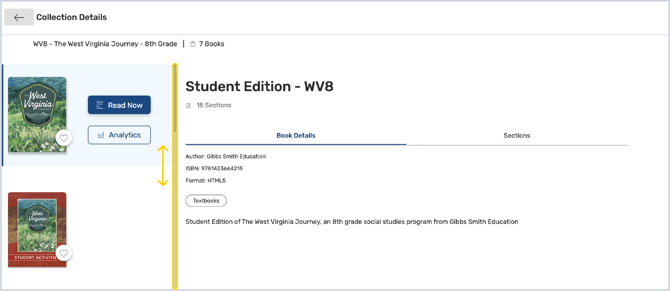
4. Select a book from the list to interact with it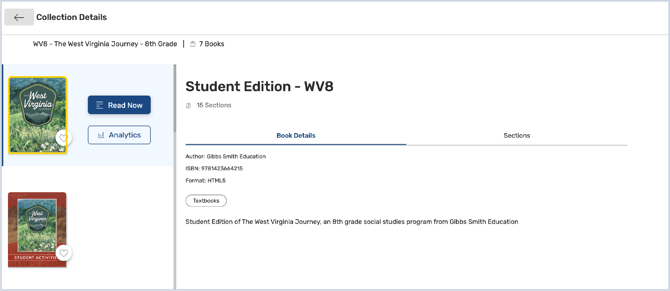
5. You can view details about the book under Book Details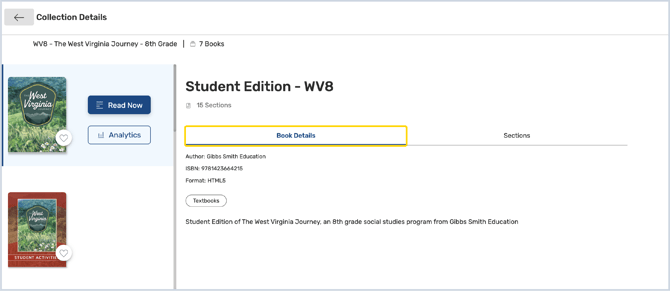
6. You can view sections and chapters within the book under Sections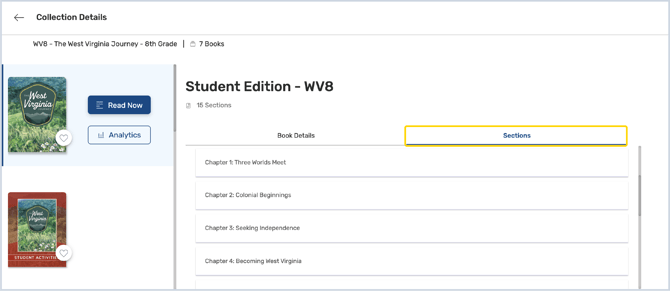
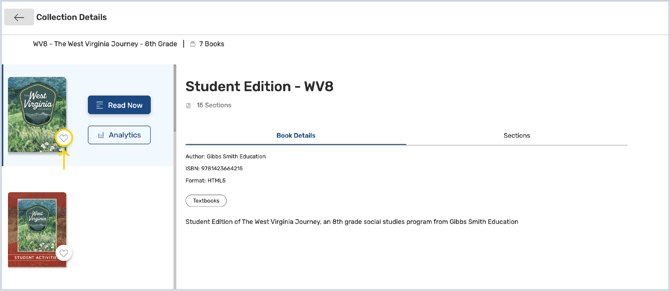
7. To add a book to your Favorites, click the heart icon
Tip: Books added to your favorites can be accessed from Favorites
8. To view book analytics, click Analytics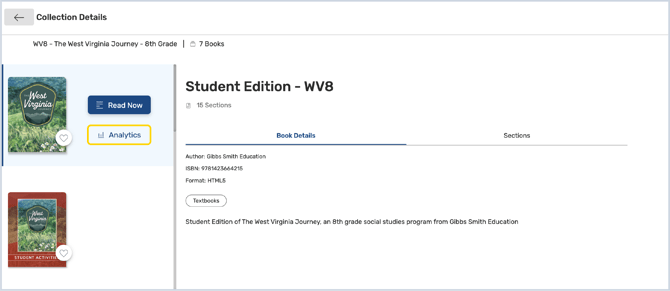
9. To open the book in the Reader, click Read Now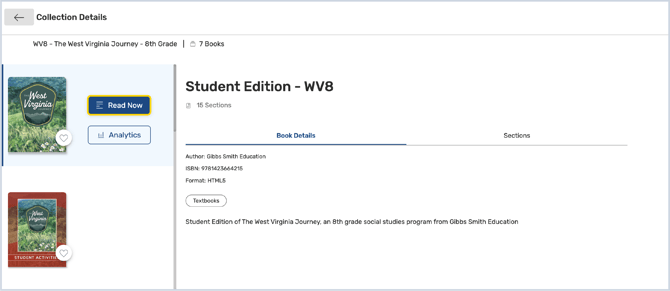
10. To return to the Bookshelf, click the back arrow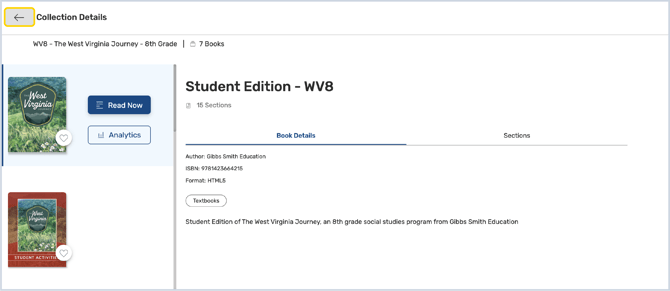
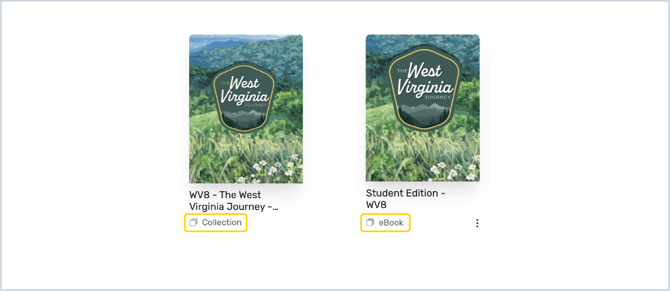
11. Collection vs Book: This image shows the difference between a collection and a book in the Bookshelf
Collections: If you click on a Collection thumbnail, it will open a menu displaying all books in the collection you have access to
Books: If you click on a Book thumbnail, it will open the book in the reader
Having trouble?
Try enabling pop-ups and clearing cache and cookies