
1. To access your account details, from the Bookshelf, click the Profile icon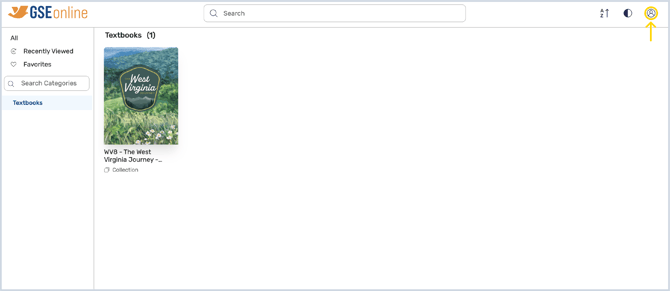
2. In your Profile, there are several actions you can do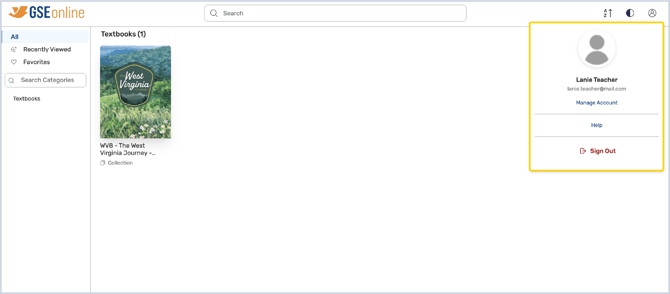
3. To open the Manage Account page, click Manage Account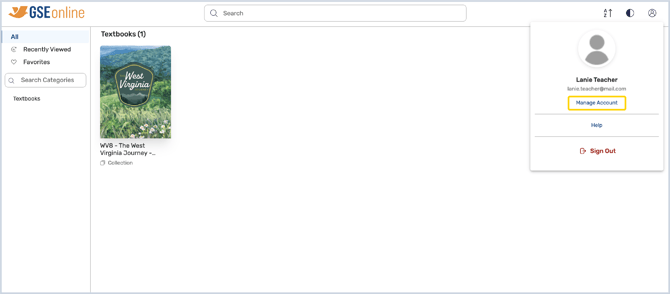
4. Under Manage Account > Account Details, you can view and edit your name and profile image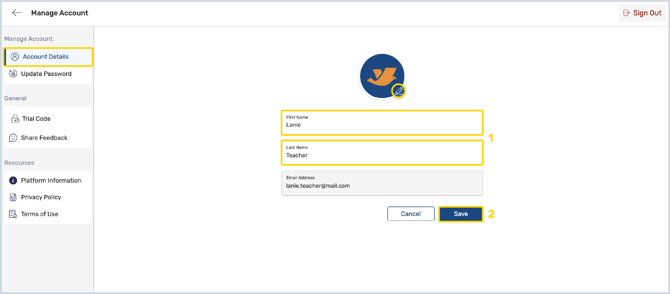
5. To change your password, go to Update Password and create a new password following the guidelines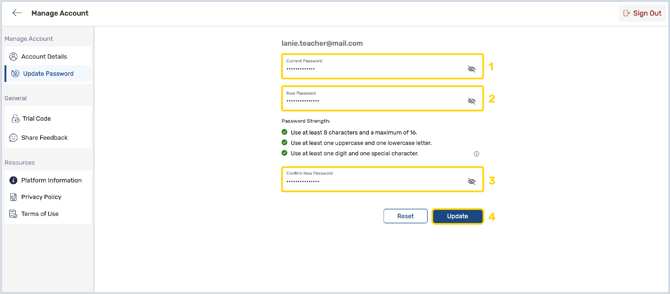
6. If you are accessing a trial, you can add additional trial codes in Trial Code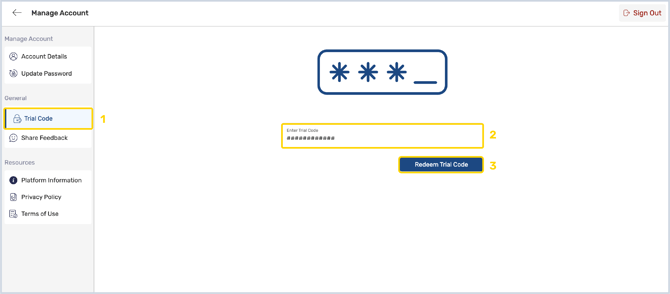
7. Under Share Your Feedback, you can reflect on your experience on GSEonline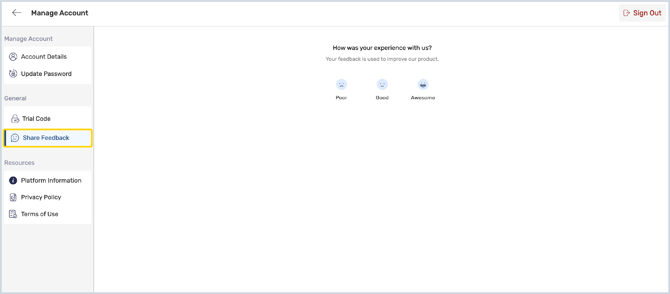
8. Under Resources, you can view platform information and company policies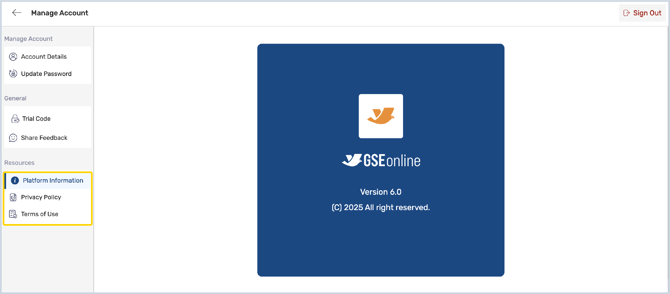
9. To sign out of GSEonline, click Sign Out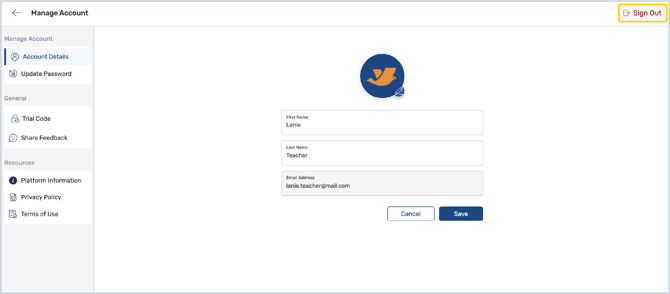
Having trouble?
Try enabling pop-ups and clearing cache and cookies