
1. In the Bookshelf, click on a collection to view books within the collection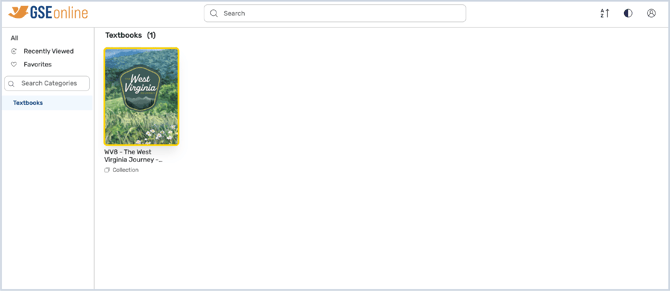
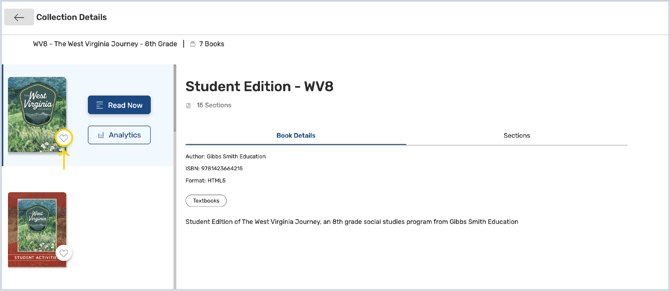
2. Click the heart icon next to the book thumbnail to add it to your Favorites
Tip: If the heart icon is red, it is already favorited
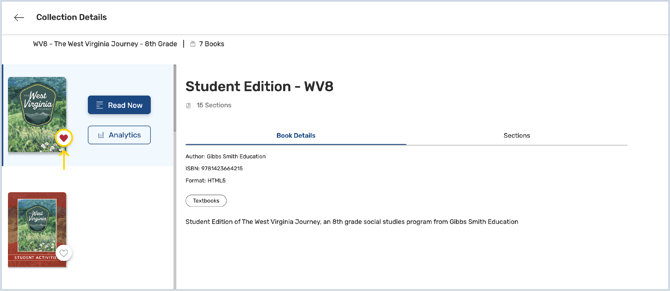
3. Click the heart icon again to remove it from your favorites
Tip: If the icon is white/outlined, it is not favorited
4. Click Favorites from the categories to view your favorited books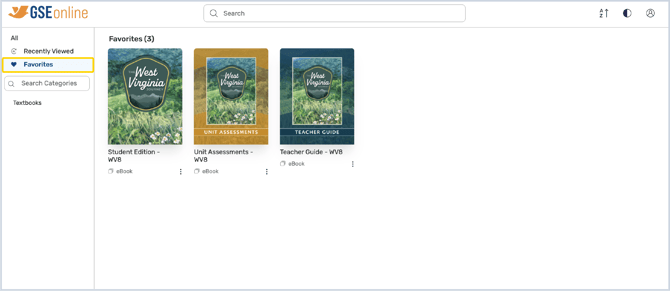
Having trouble?
Try enabling pop-ups and clearing cache and cookies