
Note: This functionality is only available for District Level accounts
1. When logging into a District Level account, the platform will automatically select a school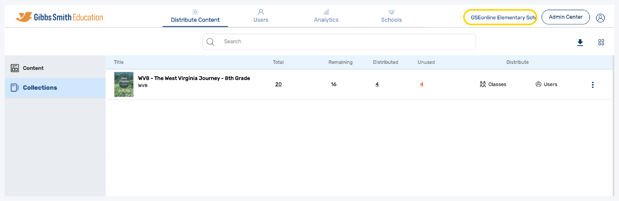
2. Open the School Selection menu and select which school you would like to manage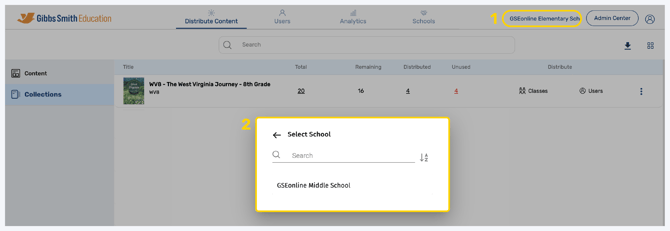
3. You can use the search feature to search for schools by name or the filter tool to filter by title or date created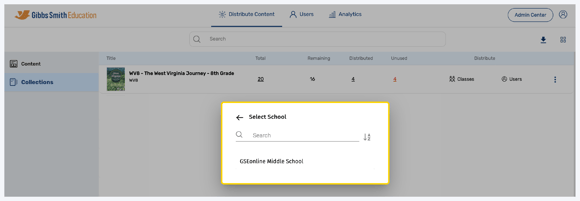
4. Now, any changes you make will be for the selected school
Having trouble?
Try enabling pop-ups and clearing cache and cookies