
1. Login to a District Level account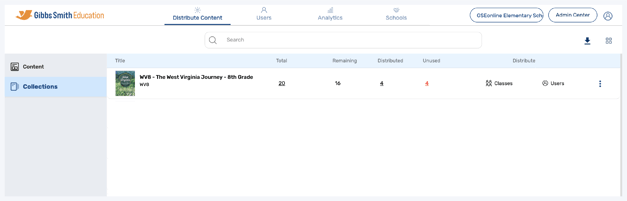
2. Click Schools at the top of the page
Note: If you do not see a Schools option, you may be logged into a School account
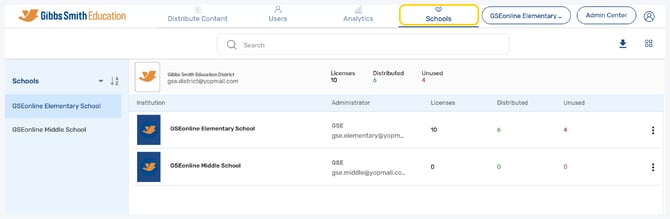
3. Click Sync All Data
4. Click Pause Sync to stop syncing data or Start Sync to start syncing data
Pause Sync at the end of the school year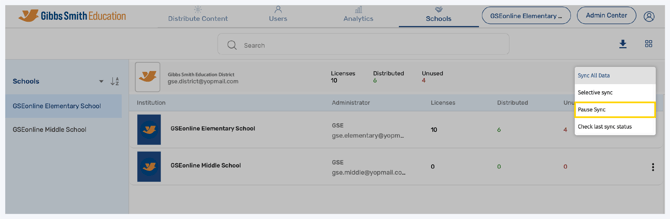
Start Sync at the beginning of the school year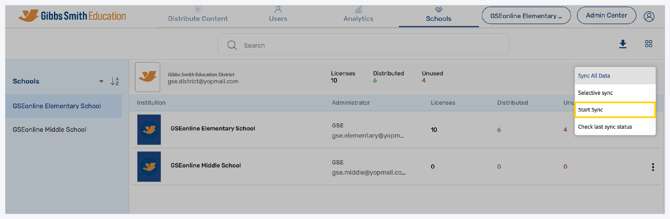
Having trouble?
Try enabling pop-ups and clearing cache and cookies