
1. Go to the Administrator Portal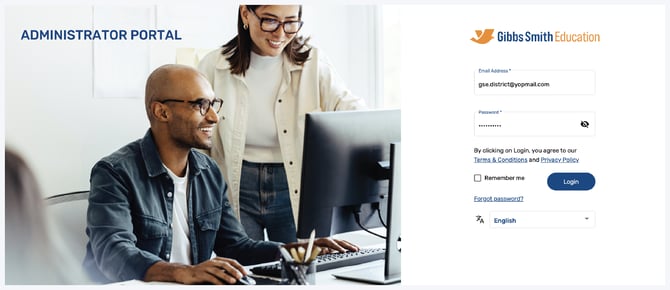
2. Click Forgot Password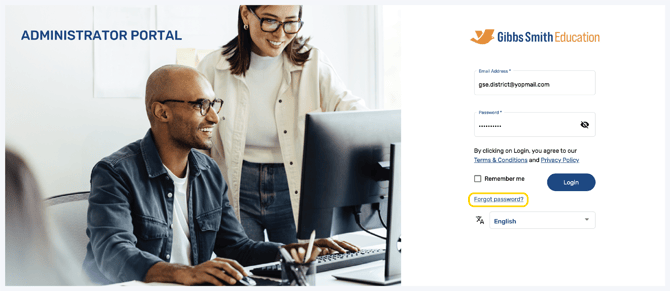
3. Enter your Username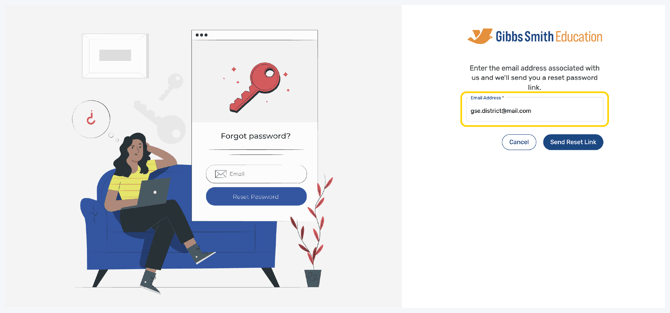
4. Click Send Reset Link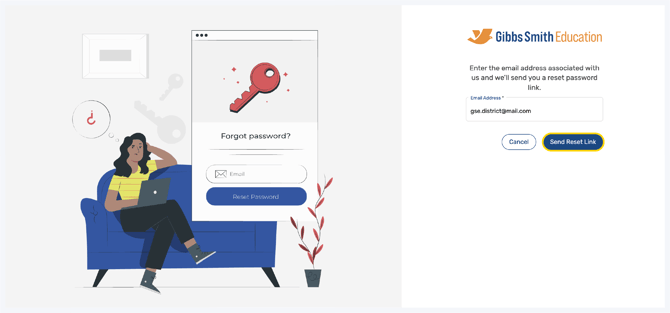
5. An email will be sent to your email inbox
Tip: If you cannot find the email in your inbox, check your spam folder
6. Follow the steps to create a new password which you will use to login going forward
Having trouble?
Try enabling pop-ups and clearing cache and cookies.